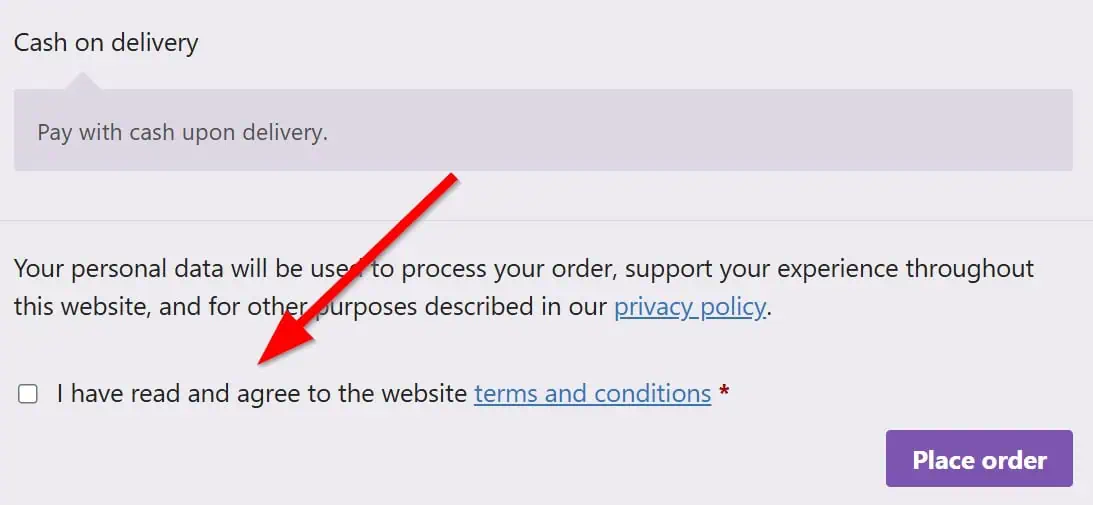

On May 25, 2018, the General Data Protection Regulation (GDPR) came into effect. This law aims to provide greater security and control for individuals over their personal information, as well as establish common data protection rules across Europe. Among many other things, anyone managing private data must be able to demonstrate that the customer/user has given permission to handle their personal data.
What does WooCommerce do by default?
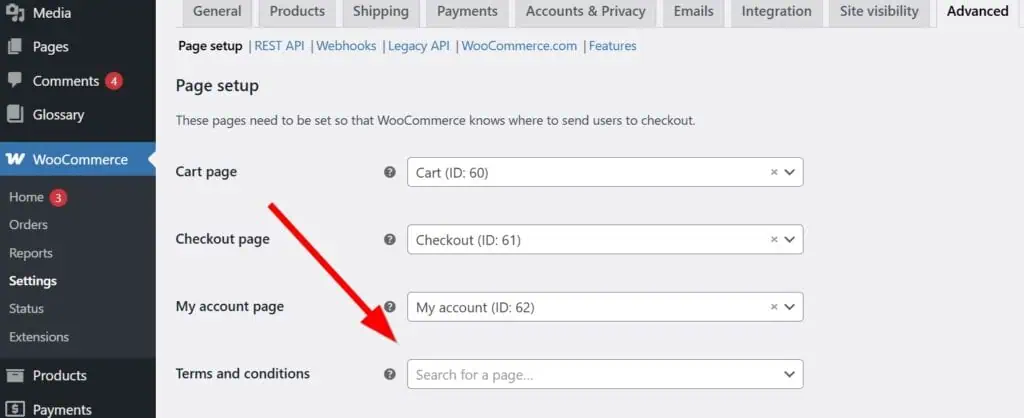
WooCommerce makes it easy to make sure that users cannot make a purchase unless they accept the terms and conditions. You simply need to create a page with your store’s terms and conditions and add it to WooCommerce > Settings > Advanced > Page setup.
And with this, just before making a payment, you will see this on the checkout page:
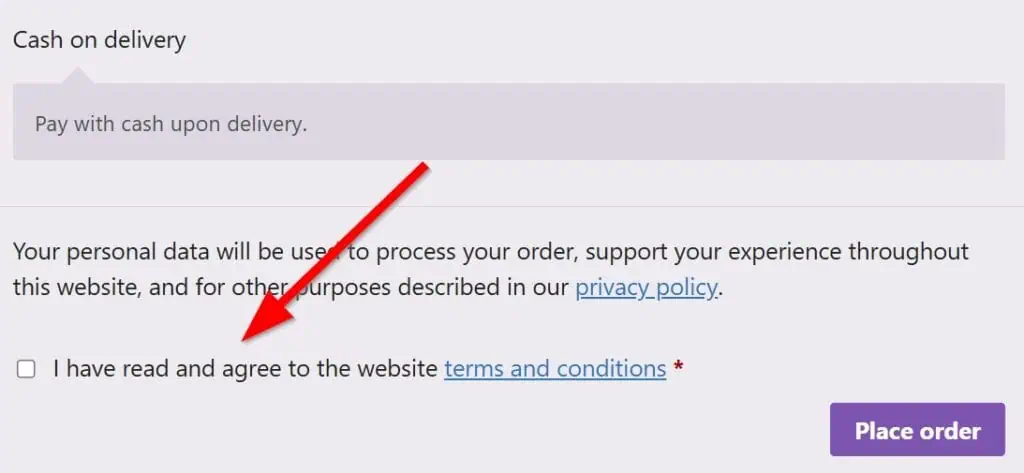
Great! But that only forces the user to check the box. Legally, you won’t be able to prove that the user actually checked the box because WooCommerce does not store this acceptance anywhere by default.
How to save the Terms and Conditions agreement in the database?
What we’re going to do is add a small code snippet so that we can store this acceptance. The snippet is compatible with both the Classic checkout and the Checkout Block (Store API), and it uses WooCommerce’s CRUD methods so it works correctly with HPOS.
Now, open your functions.php file in WordPress, located in wp-content/themes/your_theme/functions.php. Once inside the file, add the following code snippet:
/**
 * Save terms acceptance for classic checkout shortcode.
 */
add_action( 'woocommerce_checkout_create_order', 'woo_save_terms_accepted_classic', 10, 2 );
function woo_save_terms_accepted_classic( $order, $data ) {
	if ( ! $order instanceof WC_Order ) {
		return;
	}

	if ( ! empty( $_POST['terms'] ) ) {
		$order->update_meta_data( '_terms', 'on' );
	}
}

/**
 * Save terms acceptance for WooCommerce Checkout Block.
 */
add_action( 'woocommerce_store_api_checkout_update_order_meta', 'woo_save_terms_accepted_block', 10, 1 );
function woo_save_terms_accepted_block( $order ) {
	if ( ! $order instanceof WC_Order ) {
		return;
	}

	/*
	 * The Checkout block already validates the terms block.
	 * This hook runs during Store API checkout, so just mark it accepted.
	 */
	$order->update_meta_data( '_terms', 'on' );
}

/**
 * Display terms acceptance in the admin order screen.
 */
add_action( 'woocommerce_admin_order_data_after_billing_address', 'woo_display_terms_and_conditions_status', 10, 1 );
function woo_display_terms_and_conditions_status( $order ) {
	if ( ! $order instanceof WC_Order ) {
		return;
	}

	// Primary source: order meta API (works with HPOS and legacy storage).
	$terms = $order->get_meta( '_terms', true );

	// Backward compatibility for old orders saved with update_post_meta().
	if ( empty( $terms ) ) {
		$terms = get_post_meta( $order->get_id(), '_terms', true );
	}

	$terms_status = ( 'on' === $terms )
	    ? 'Accepted'
    	: 'N/A';

    echo '<p><strong>Terms and Conditions:</strong> ' . esc_html( $terms_status ) . '</p>';
}
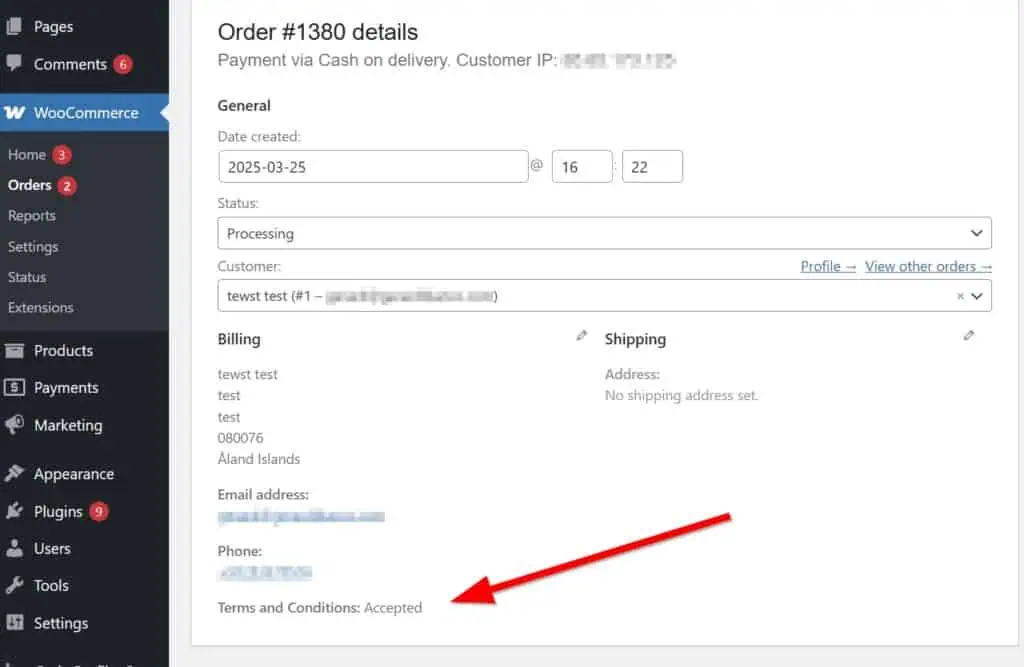
And that’s it! Now, every time someone makes a purchase, we will see the following in the order details, as the acceptance is now stored in our database:
Source: Remi’s blog