
When creating a child theme in WordPress, there are a few important things to keep in mind. However, the most crucial one is ensuring that the CSS styles of the parent theme are properly inherited. So, the obvious question is: how do you include them in the child theme?
How not to do it
The simplest and most commonly found method on the internet is using the @import rule in the style.css file of the child theme:
@import url('../my_theme/style.css');This method is no longer recommended because it increases the webpage’s loading time and does not work well in older browsers.
The correct way
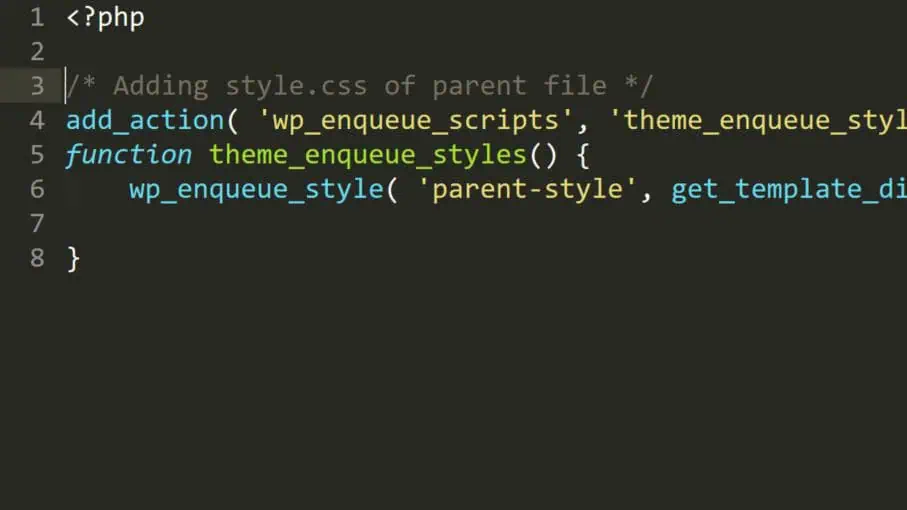
The proper way to include CSS styles in a child theme is as follows. Note: if you’re using a block theme, many styles are controlled by theme.json and style.css can be optional; if you add custom CSS to style.css in a child theme, make sure to enqueue it as shown below.
- Open the
functions.phpfile of your child theme. - Add the following code:
/* Enqueue parent and child theme styles */
add_action( 'wp_enqueue_scripts', 'child_enqueue_styles' );
function child_enqueue_styles() {
    wp_enqueue_style(
        'parent-style',
        get_parent_theme_file_uri( 'style.css' ),
        array(),
        wp_get_theme()->parent()->get( 'Version' )
    );
    wp_style_add_data( 'parent-style', 'rtl', 'replace' );

    wp_enqueue_style(
        'child-style',
        get_stylesheet_uri(),
        array( 'parent-style' ),
        wp_get_theme()->get( 'Version' )
    );
    wp_style_add_data( 'child-style', 'rtl', 'replace' );
}
The code above enqueues the parent theme’s style.css first and then the child theme’s style.css, making the child styles load after the parent. For right-to-left languages, such as Hebrew or Arabic, it sets each stylesheet to automatically load its -rtl counterpart if present (for example, style-rtl.css in both the parent and child themes).