How to add Google Tag Manager without affecting the performance of WordPress
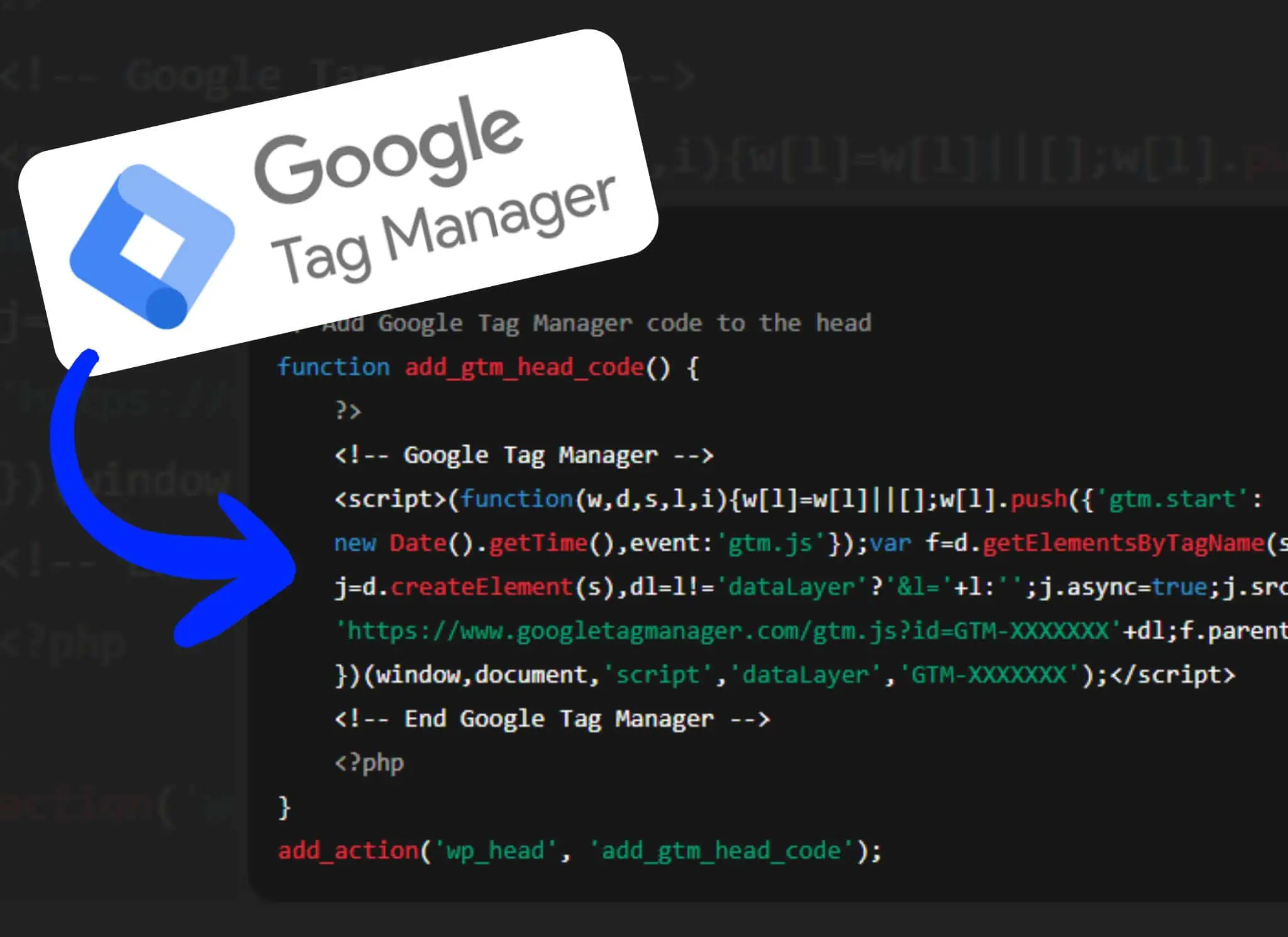
Learn how to add Google Tag Manager manually to your WordPress site using the functions.php file, and how to delay the GTM JavaScript loading.

Learn how to add Google Tag Manager manually to your WordPress site using the functions.php file, and how to delay the GTM JavaScript loading.

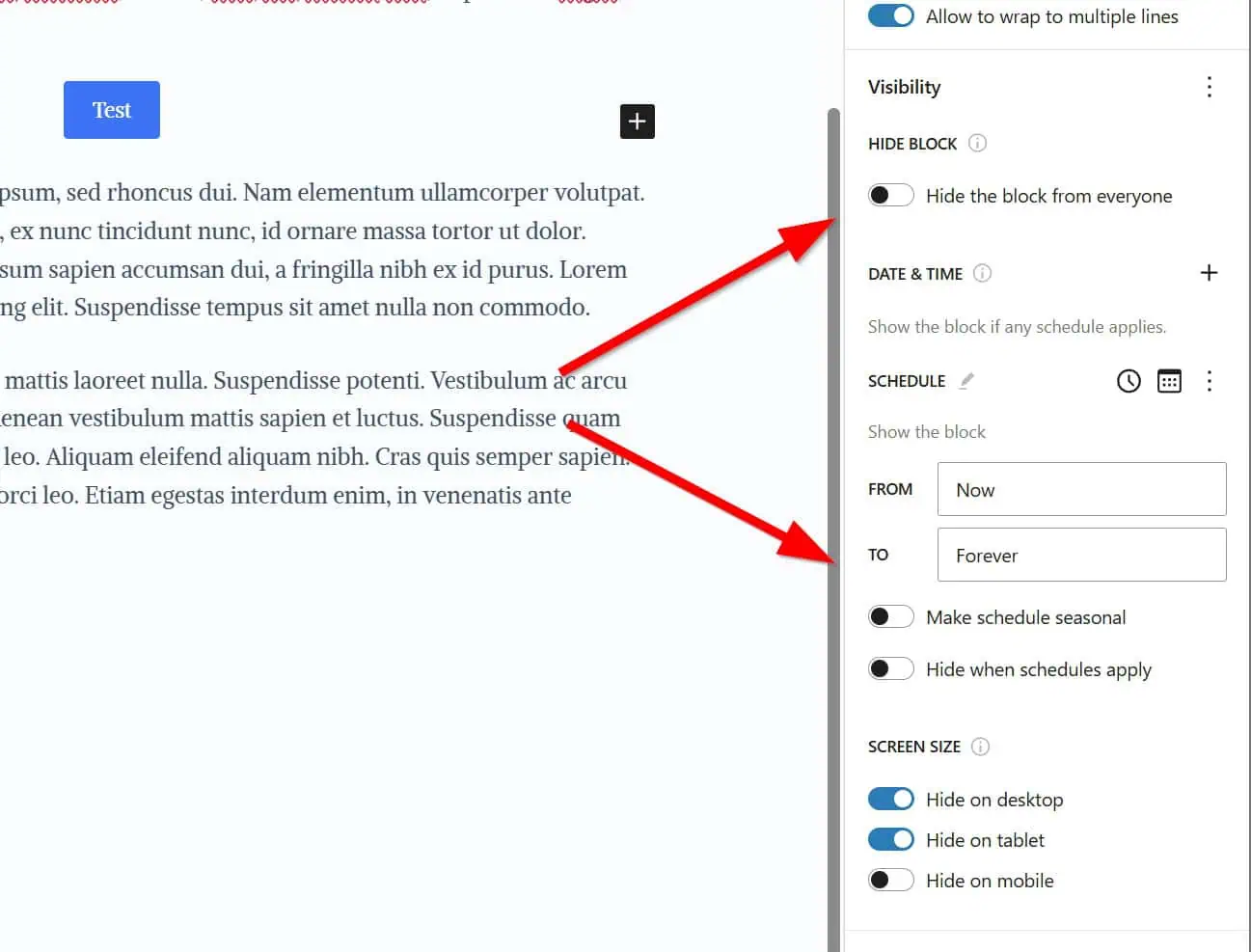
Hide a Gutenberg block based on screen size, user role, URL, and more with the powerful and lightweight Block Visibility plugin.

Redirect users to the homepage after logout in WordPress by adding a simple snippet to your child theme’s functions.php file.
A quick, copy‑paste guide to stop WordPress from generating default thumbnails—without plugins. Includes one complete snippet, settings to change, and safe rollback tips.

Migrate your WordPress site to a Hetzner VPS managed by RunCloud and OpenLiteSpeed. Follow our step-by-step plan, see region-based costs, and enable zero‑downtime DNS + solid email deliverability.

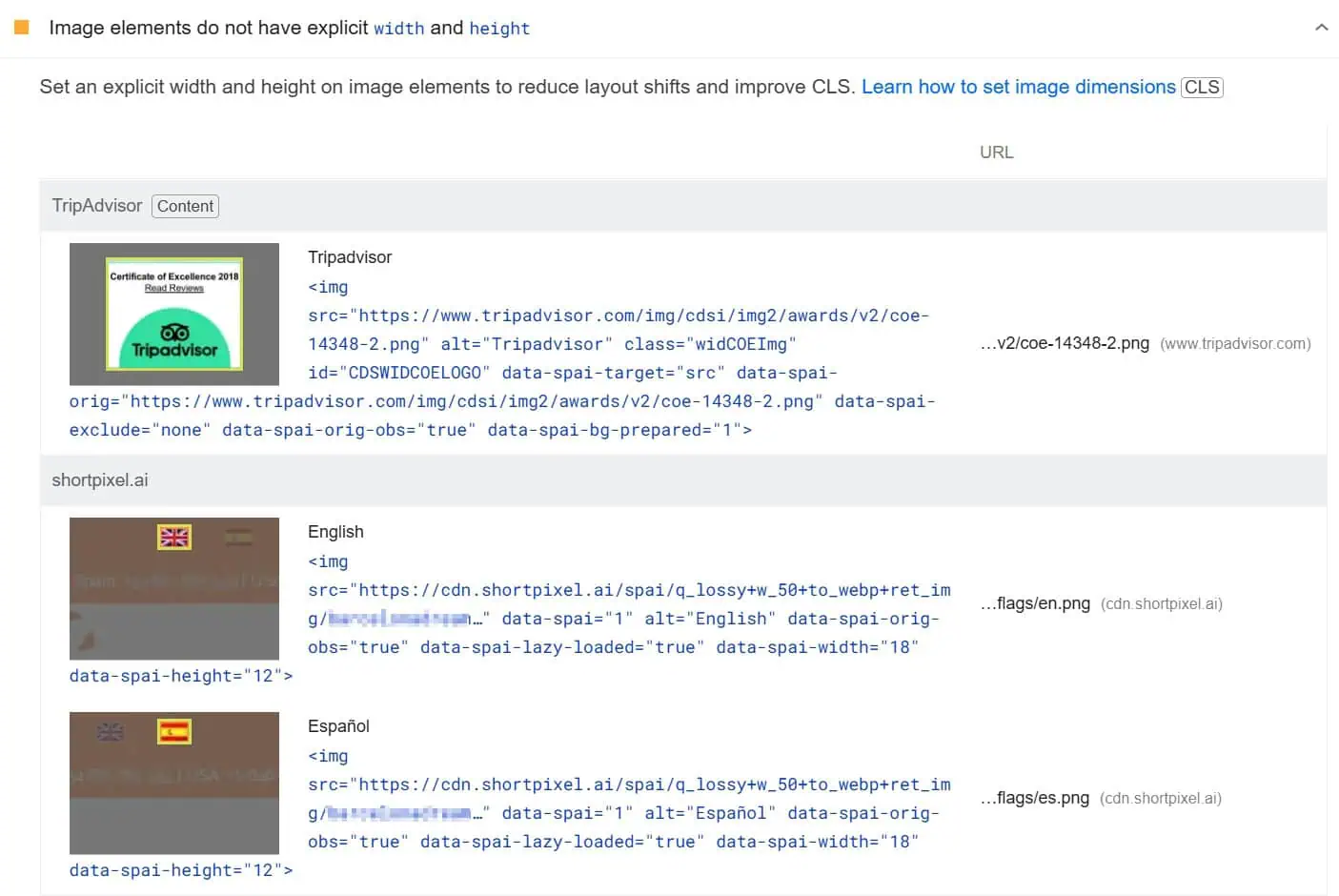
What the 'Image elements do not have explicit width and height' PSI warning means in WordPress and how it can be solved manually or with plugins.

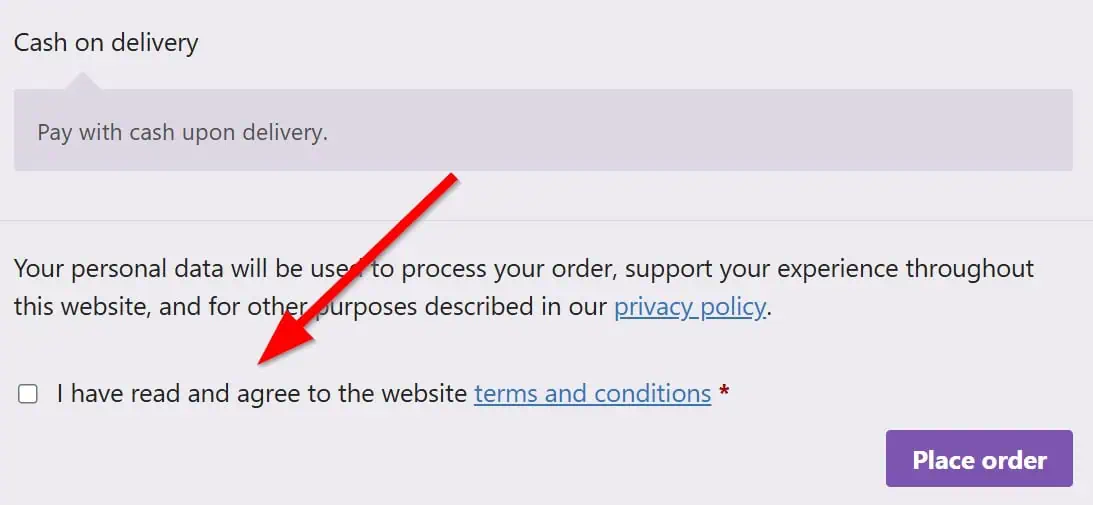
WooCommerce does not store the Terms of Service agreement in the database by default. Fix this with a simple code snippet to add in the functions.php.

Learn the correct way to include CSS styles in a WordPress child theme without using @import, ensuring better performance and compatibility.

See exactly how to identify and remove unused CSS in WordPress with a quick-start checklist, clear decision path, plugin how‑tos, and safelisting tips.

Cut load times fast: start with our TL;DR quick-start, then follow persona-based checklists for site owners, WooCommerce, and VPS admins. Covers Core Web Vitals (INP/LCP/CLS), caching, images, JS/CSS, fonts, HTTP/3, and modern edge/CDN tactics.

How to really serve images in next-gen formats on WordPress with clear instructions from an expert team. It's easy to use use WebP and AVIF images!

Discover how to disable WP-Cron and set up a server cron in just 2 steps. Boost your WordPress performance with this simple trick.